
Lesson · 2 min
Airbnb TV Setup
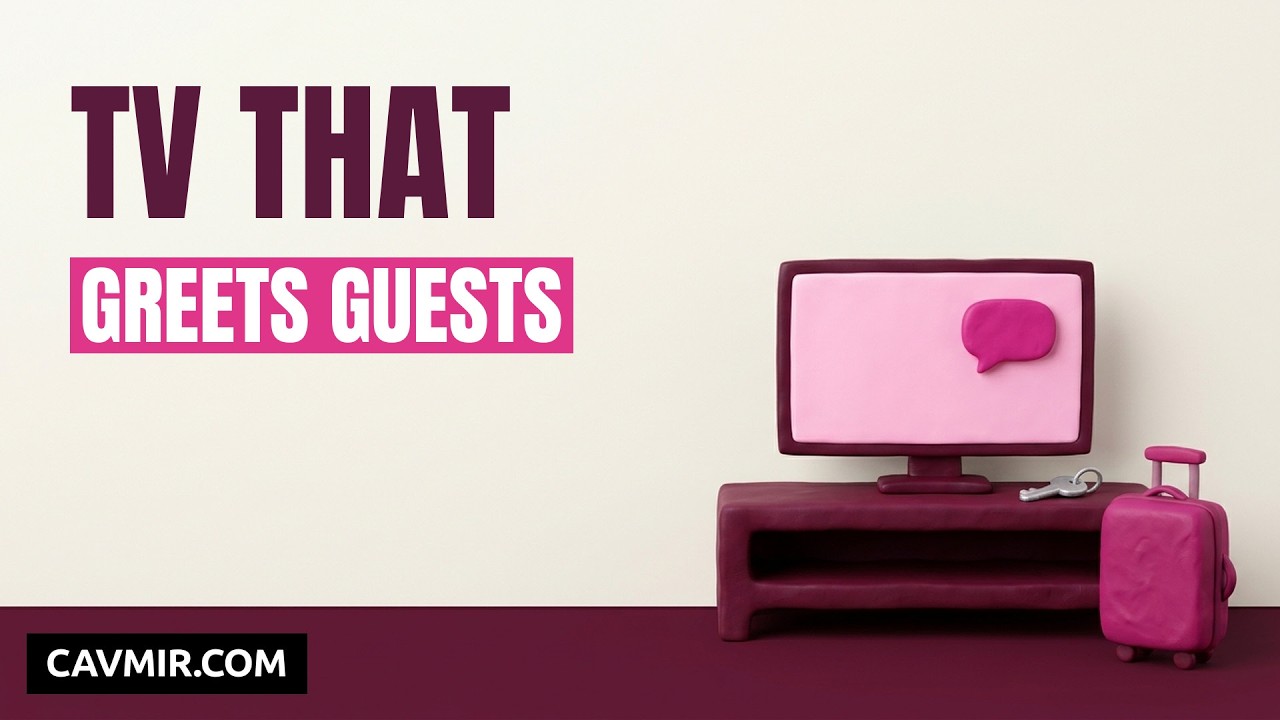
The video plays from YouTube when you press play. Nothing loads from YouTube before that.
Airbnb TV setup with GuestBox: a welcome by name, the Wi-Fi and the house guide on the guest TV.
With GuestBox, the TV in a vacation rental greets each guest by name and shows the Wi-Fi and the house rules on the screen. GuestBox is a small device that plugs into the TV's HDMI port and becomes the TV's home screen, run from a cloud dashboard. In about three minutes: what the device is, what guests see, and what hosts control behind the screen. GuestBox is a Cavmir partner, and every fact about it here comes from its own website.
In this video
Chapters
- 0:00The TV in a vacation rental
- 0:28What GuestBox is
- 0:51What guests see
- 1:20What hosts control
- 1:49GuestBox and Cavmir
Press a chapter to play the video from that point.
In Guestbox's Own Words
"GuestBox is a plug-and-play TV system for vacation rentals that greets guests by name, answers their questions, and turns the TV into a new revenue stream."
In This Video
- What GuestBox is. A compact box that connects to an HDMI port on the back of the TV; GuestBox says that is the whole install. The TV opens on the property's own branded home screen, with the host's logo, colors and layouts. Because GuestBox is a dedicated device rather than a downloadable app, guests can't remove it, and the screen stays the same from stay to stay.
- What guests see. Each guest is greeted by name, with the Wi-Fi and stay details already on screen when the TV comes on. The house guide moves to the TV: Wi-Fi details, house rules, checkout steps and the host's own local recommendations. With TV Wake, GuestBox can turn the TV on by itself when guests arrive. After every stay it signs guests out of their streaming apps and clears their personal data, so every stay starts fresh.
- What hosts control. A cloud dashboard manages every TV remotely. Reservations sync from the host's PMS (GuestBox says it supports more than 40 of them) or from Airbnb, so the welcome screens update by themselves. Change the Wi-Fi password or a house rule once and push it to a single property or to the whole portfolio. Hosts can also promote upsells, activities and their own offers on the TV, which GuestBox says can bring in extra income.
- GuestBox and Cavmir. On its own blog, GuestBox says the Cavmir system is built to help a property get found, trusted and booked, and that GuestBox is built for what happens after the guest walks in. Cavmir's vendor guide lists GuestBox as an in-room TV concierge.
Questions Hosts Ask
Does GuestBox work with any TV? GuestBox says it connects to most modern TVs through an HDMI port: plug it in, connect it to Wi-Fi, and it is ready.
Can guests use their own streaming accounts? Yes. Guests sign in to their own accounts during the stay, and GuestBox says it removes their login information after checkout.
Do I still need cable or satellite? GuestBox says it replaces cable and satellite TV with streaming apps and live TV over the internet, more than 10,000 apps and channels in all.
Can I run it on more than one property? Yes. GuestBox sells to individual hosts, property managers, hotels and large portfolios, all run from one dashboard.
Is GuestBox an app? No. It is a dedicated device, so guests can't delete it the way they can delete a smart TV app.
Word for word
Transcript
From the English captions on YouTube.
0:00 The TV in a vacation rental
With GuestBox, the TV in a vacation rental greets each guest by name and shows the Wi-Fi and the house rules. GuestBox calls itself a plug-and-play TV system for vacation rentals that answers guest questions and turns the TV into a new revenue stream. Here’s what the device is, what guests see on the screen, and what hosts control behind it. GuestBox is a Cavmir partner, and every fact about it in this video comes from its own website.
0:28 What GuestBox is
The device is a small box that plugs into the TV’s HDMI port, and GuestBox says that is the whole install. Hosts can brand the home screen with their own logo, colors and layouts, across every TV they manage. It is a dedicated device, not a downloadable app, so guests can’t remove it and the screen looks the same from stay to stay.
0:51 What guests see
When the TV comes on, each guest is greeted by name, with the Wi-Fi and the stay details already on screen. The house guide moves to the TV too: the Wi-Fi details, the house rules and the host’s own local recommendations. After every stay, GuestBox automatically signs guests out of their streaming apps and clears their personal data. So every stay starts fresh, with no leftover accounts and no privacy worries for the next guest.
1:20 What hosts control
Behind the screen, a cloud dashboard lets the host manage every TV remotely, from anywhere. Reservations sync from the host’s property management system or from Airbnb, so the welcome screens update by themselves. Change the Wi-Fi password or a house rule once, and push it to a single property or to the whole portfolio. Hosts can also promote upsells, activities and their own offers on the TV, which GuestBox says can bring in extra income.
1:49 GuestBox and Cavmir
On its own blog, GuestBox says the Cavmir system is built to help a property get found, trusted and booked. It also says GuestBox is built for what happens after the guest walks in. Our vendor guide lists GuestBox as an in-room TV concierge, for hosts who want the welcome and the house guide on the biggest screen in the room. The links to GuestBox and to our vendor guide are in the description. A welcome by name, the house guide on the screen, and a fresh start after every stay. For more guides for hosts and managers, visit Cavmir.com.
About this video
Notes
Real screen captures of guestbox.tv and cavmir.com in a phone-size browser, taken on the day the film was made. Cavmir's vendor guide is shown with only the GuestBox card. Original music made for Cavmir.
Narrated with an AI voice. GuestBox is a Cavmir partner; Cavmir is not affiliated with Airbnb. (c) 2026 Trousdale Digital Technologies LLC.
CavmirTV
More Videos
 14:05LessonHow to Take Airbnb Photos That Get BookedHow to take Airbnb photos that get booked, from the first photo to the photographer's license.
 1:59LessonHow to Optimize Your Airbnb ListingHow to optimize your Airbnb listing and your Vrbo listing in five steps: the first photo, the shot, the name and the description.
 2:02LessonHow to Get Repeat Guests for Your Vacation RentalHow to get repeat guests for your vacation rental with your own guest list, in five steps that respect Airbnb's rules and the law.
 2:13LessonAirbnb Luxe RequirementsAirbnb Luxe requirements, step by step: how to get your home on Airbnb Luxe, what Airbnb checks, the walkthrough and the badge.
