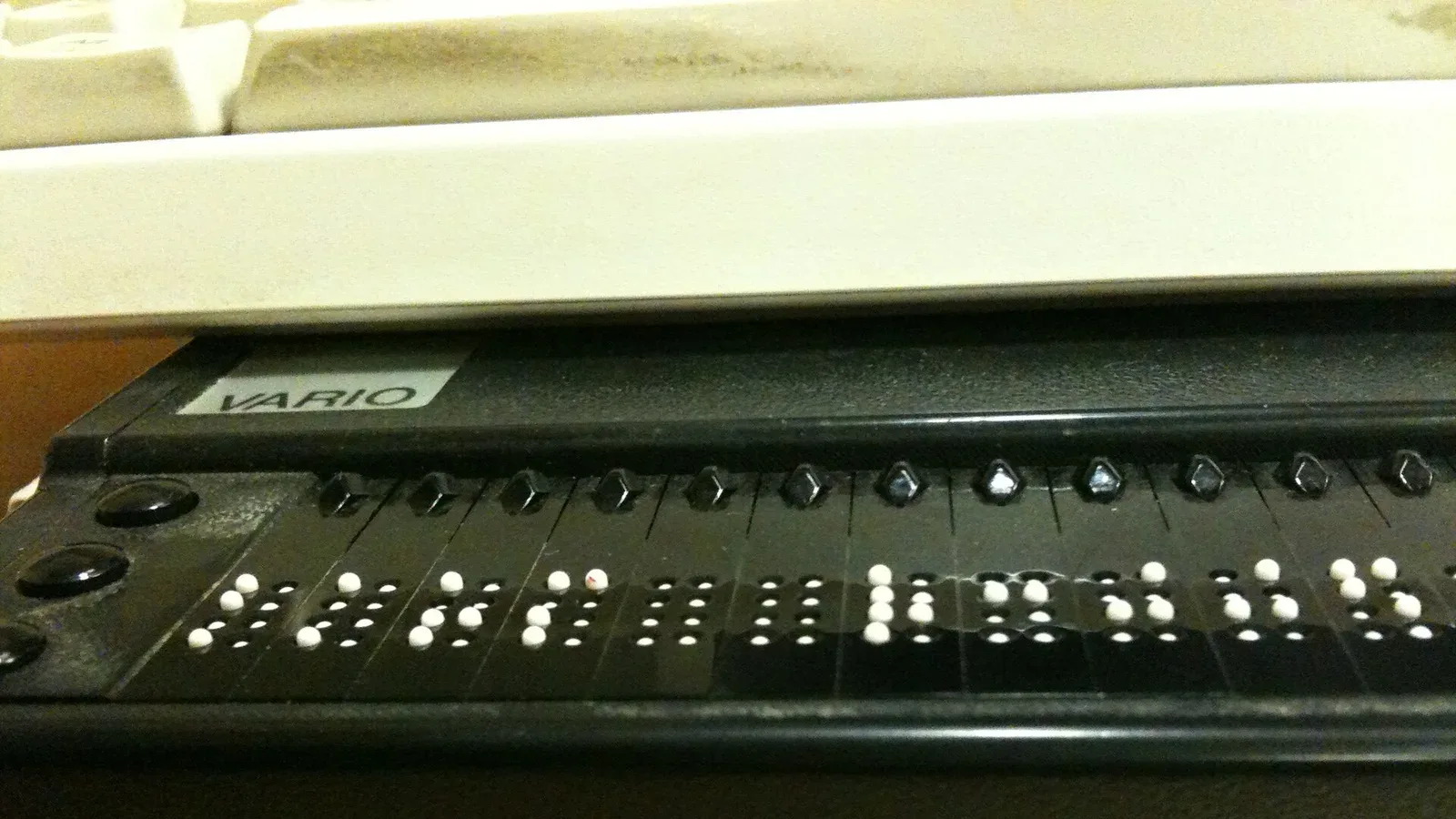
A host in Rehoboth Beach emailed me last spring with a question I get more often now than I used to: "Someone told me my website could get me sued. Is that real, or is it a scare tactic to sell me something?"
Fair question, and the honest answer is: some of both. There are firms whose business model is sending demand letters about website accessibility, and there are vendors who use that fear to sell products that don't work. There is also a genuine legal exposure, a genuine standard, and a genuine population of guests your site may be locking out — and the last one is the part that gets lost in the noise.
Two things before we start. I'm a content strategist, not an attorney, and nothing here is legal advice — for what applies to your specific business in your specific state, ask your lawyer, and it's worth the hour. And this is genuinely one of the areas where owner-built sites fall down hardest, not through carelessness but because the failures are invisible if you're not looking for them and don't know what to look for.
The legal picture, carefully stated
Here's what's fair to say without overreaching.
The Americans with Disabilities Act requires places of public accommodation to be accessible. Whether and how that applies to websites has been litigated extensively, and courts in different circuits have reached different conclusions — some finding websites covered broadly, others requiring a closer connection to a physical location. It is an unsettled area, and anyone who tells you the rule is simple is oversimplifying.
Separately, a number of states have their own accessibility and civil rights laws, some of which reach further than federal law. And if you take bookings from guests in other countries, other regimes may be relevant.
What's beyond dispute is that website accessibility claims against small businesses, including lodging businesses, are a real and active category of litigation and pre-litigation demand letters. Lodging is a frequent target for a structural reason: a rental property is much more clearly a place of public accommodation than, say, a purely online business, and the website is how people access it.
What I'd tell any owner: this isn't a reason to panic, and it isn't nothing. It's a reason to get your site to a defensible standard, which is achievable, and to ask your attorney what your exposure actually is, which takes an hour.
If you would rather have it built, Cavmir’s vacation rental website design runs three packages of 40 to 125 pages, from $1,475, on a site you own.
The standard everyone actually uses
There's no federal regulation that says "private lodging websites must do X" in a way that gives you a checklist. What has emerged instead, in settlements, consent decrees, and industry practice, is a de facto standard: the Web Content Accessibility Guidelines, at level AA.
WCAG is a technical specification maintained by the World Wide Web Consortium. It has three conformance levels — A, AA, and AAA. Level A is a floor most sites clear accidentally. Level AAA is stringent enough that even accessibility specialists don't usually target it site-wide. AA is the practical target, the one referenced in most settlements, and the one worth building to.
The useful thing about WCAG is that it's concrete. It's not a vibe. It's a list of testable criteria, which means "is my site accessible" has an answer rather than an opinion.
Where property sites actually fail
From auditing a lot of these, here are the failures I find over and over, roughly in order of frequency.
Text contrast
The most common failure by a distance, and it comes straight out of the design instincts this industry rewards. Light grey text on white. White text over a photo of a bright sky. Elegant, low-contrast type that reads beautifully on a designer's calibrated monitor and disappears for someone with reduced vision, or for anyone reading in daylight on a phone.
WCAG AA requires a contrast ratio of at least 4.5 to 1 for normal text and 3 to 1 for large text. Free checkers will tell you your numbers in seconds. Almost every property site I've tested fails somewhere, usually in the hero, the footer, or the caption text.
Missing alt text
Property sites are photo-heavy, and photos without alternative text are invisible to anyone using a screen reader. If your gallery has forty images and none of them have alt text, a blind guest gets forty announcements of nothing.
The nuance owners miss: decorative images should have empty alt attributes so screen readers skip them, while meaningful images need descriptions that convey what matters. "Image1234.jpg" is worse than nothing. So is stuffing keywords into alt text, which helps no one and is transparently what it is.
Keyboard navigation
Not everyone uses a mouse. Some people navigate entirely by keyboard, and assistive technologies rely on the same underlying behavior. Try it: press Tab repeatedly on your own site and see whether you can reach every link, every button, and every form field, and whether you can tell where you are.
Two failures are near-universal. Focus indicators removed, because the default outline was considered ugly, which leaves a keyboard user with no idea where they are on the page. And modal windows — booking popups, image lightboxes, cookie banners — that trap focus or can't be closed without a mouse.
Unlabeled forms
Placeholder text is not a label. When a field uses placeholder text alone, the text disappears the moment someone types, and screen readers may not announce it at all. Every field needs a real, associated label, and error messages need to say what's wrong in words rather than turning a border red.
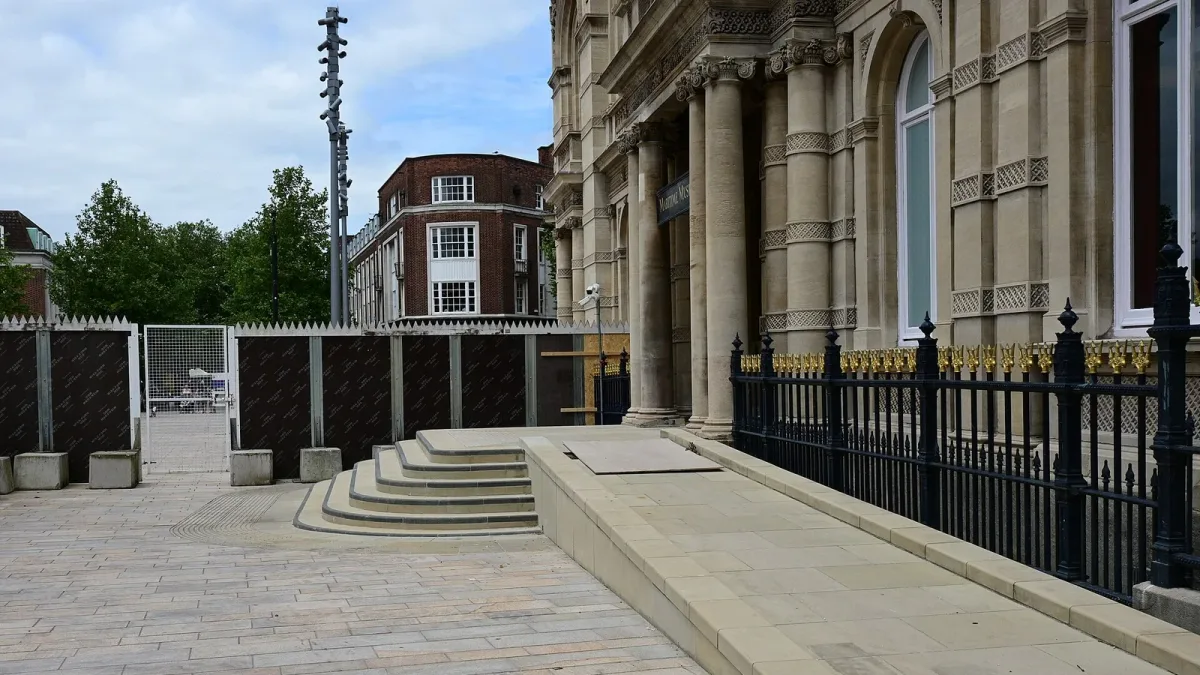
Heading structure
Screen reader users navigate by headings the way sighted users skim. If your headings are chosen for their size rather than their level — an H4 used because it looked right — the document outline is nonsense, and navigating your page by structure becomes impossible.
Video and motion
Autoplaying hero videos are a staple of property sites. If yours has sound, it needs a way to stop it. If it conveys information, it needs captions. And motion-heavy sites should honor the system setting where a visitor has asked for reduced motion, which is a preference people set for real reasons including vestibular disorders.
The third-party booking widget
Here's the one that catches owners who did everything else right. You can build a perfectly accessible site and embed a booking widget that isn't, and the widget is the part a guest must use to give you money. You generally can't fix someone else's embedded code.
This is one more argument for booking being part of your site rather than bolted onto it — a theme that also runs through where template platforms hit their ceiling. If you're using an embedded engine, ask the vendor directly for their accessibility conformance documentation. A serious vendor will have it.
A word about accessibility overlays
You've probably seen the ads: install one line of JavaScript, get an accessibility widget with a little icon, become compliant. It's an appealing offer and it costs a fraction of doing the work.
Be careful here. Accessibility overlays have been widely and publicly criticized by accessibility advocates and by many people who actually use screen readers, on the grounds that they don't fix underlying problems and can interfere with the assistive technology a visitor already uses. Businesses using overlay products have still faced accessibility claims — the overlay is not a shield.
I'm not telling you no product in this category has any use. I am telling you that a widget is not a substitute for accessible markup, and that treating it as one may leave you with both the original problem and the cost. Ask your attorney before relying on any vendor's compliance guarantee, and read what the guarantee actually promises.
Do the tab test right now — it takes two minutes and needs no tools. Open your homepage and press Tab about twenty times. Can you see where you are at every step? Can you reach the booking button? Can you close whatever pops up without touching the mouse? If the answer to any of those is no, you have a finding, and you found it for free.
The part that isn't about lawsuits
Compliance is the reason owners start paying attention. It's the least interesting reason to care.
A meaningful share of the population has a disability that affects how they use the web — vision, hearing, motor, cognitive. Those people take vacations. They book rentals. Some of them are specifically looking for properties with accessible features and will pay well for the right one, because supply is thin and the search is exhausting. If your site locks them out at the front door, you never learn what that market was worth.
There's also a large overlap group that nobody counts: older guests, people with temporary injuries, anyone reading on a phone in bright sun, anyone using a device one-handed while holding a child. Accessible design is just better design under real conditions, and real conditions are where your guests are.
And the technical overlap with search is genuine. Proper heading structure, descriptive alt text, real labels, semantic markup, captions — these are the same signals that help search engines understand a page. Accessibility work is rarely wasted on ranking.
If you serve guests with accessibility needs, or want to, the hosting side of that is a separate subject and we covered it in the accessible vacation rental hosting guide.

A checklist you can run yourself
None of this requires a specialist. It requires an hour and a willingness to find problems.
| Check | How to test it | Passing |
|---|---|---|
| Text contrast | A free online contrast checker on your main text and background colors | 4.5:1 normal text, 3:1 large text |
| Alt text | View page source, search for alt= | Meaningful images described, decorative ones empty |
| Keyboard access | Tab through the whole page | Everything reachable, focus always visible |
| Form labels | Click the label text — does the field focus? | Every field labeled, errors in words |
| Heading order | Read your headings in sequence | One H1, no skipped levels, logical outline |
| Video | Load the page with sound on | No unstoppable audio, captions where informative |
| Zoom | Zoom the browser to 200% | Nothing overlaps or gets cut off |
| Booking widget | Complete a booking by keyboard only | Possible without a mouse |
| Automated scan | A free browser accessibility extension | Zero critical issues |
One caveat on that last row, and it's important. Automated tools catch perhaps a third of real accessibility problems. A clean automated report is not a clean site — it means you passed the machine-checkable subset. The manual checks above find the rest, and a professional audit finds what both miss.
Why this one resists DIY specifically
Accessibility is the clearest case in this whole subject area where good intentions don't produce a good result, for three reasons.
The failures are invisible to you. Every other website problem — slow, ugly, not ranking — you can perceive. If you're sighted, use a mouse, and have no motor or cognitive impairment, you will never once experience your site's accessibility failures. You cannot test your way to it by looking harder.
Correctness is technical, not aesthetic. Whether a modal traps focus properly, whether a custom dropdown announces its state, whether a control has an accessible name — these are implementation details in the markup, not settings in an editor. Most template platforms and page builders emit markup you can't reach.
And it decays. Every new page, every new plugin, every new embed can introduce a failure. It's not a project you finish, it's a standard you hold — which is much easier when it's built into how the site is made than when it's a periodic audit you keep meaning to run.
If you take one action from this article, make it the contrast check on your hero text. It's the most commonly failed criterion, it's the most visible part of your site, and it's usually a five-minute fix — a slightly darker overlay behind the headline, or a slightly darker grey. Nobody will notice except the people who couldn't read it.
How we handle accessibility at Cavmir
We build to WCAG 2.1 AA as a baseline on every site, and we do it during the build rather than as an audit afterward, because retrofitting accessibility into finished markup is far more expensive than getting it right the first time.
In practice that means contrast checked against the standard as part of design rather than after it, meaningful alt text written for every image and decorative images marked as decorative, full keyboard navigability with visible focus states we don't strip for looks, semantic heading structure that matches the document rather than the type scale, properly labeled forms with error messages in plain words, and motion that honors a visitor's reduced-motion preference.
Our direct booking websites also integrate booking into the site rather than embedding a third party's widget, which removes the most common way an otherwise-accessible property site fails at the exact moment a guest is trying to pay you.
We don't sell an overlay and we don't offer a compliance guarantee, because neither is an honest product — what your legal exposure is depends on your business, your state, and facts we're not qualified to assess. What we can do is build to the recognized standard so that the conversation with your attorney is a short one. Scopes and current pricing are on the pricing page, quoted to your portfolio, with a written proposal within 48 hours.
Common questions
Does my vacation rental website legally need to be accessible?
This is genuinely unsettled and depends on your circumstances. The Americans with Disabilities Act requires places of public accommodation to be accessible, and whether and how that reaches websites has been litigated extensively with different conclusions in different circuits. Some states have their own laws that reach further. Lodging is a more frequent target than purely online businesses because a rental property is more clearly a public accommodation. Ask your attorney what applies to you specifically — it is worth the hour, and this article is not legal advice.
What is WCAG 2.1 AA and why does everyone reference it?
The Web Content Accessibility Guidelines are a technical specification maintained by the World Wide Web Consortium, with three conformance levels. Level A is a floor most sites clear accidentally; AAA is stringent enough that even specialists rarely target it site-wide. AA is the practical standard, the one most commonly referenced in settlements, and the one worth building to. Its value is that it is concrete and testable rather than a matter of opinion.
Do accessibility overlay widgets actually work?
Be careful here. Overlays have been widely and publicly criticized by accessibility advocates and by many people who use screen readers, on the grounds that they do not fix underlying problems and can interfere with the assistive technology a visitor already uses. Businesses using overlay products have still faced accessibility claims. A widget is not a substitute for accessible markup, and treating it as one may leave you with both the original problem and the cost.
How do I check whether my website is accessible?
Start free and manual. Run a contrast checker on your main text and background colors, aiming for 4.5:1 for normal text. Press Tab through the whole page and confirm you can reach everything and always see where you are. Click your form labels and see whether the field focuses. Zoom to 200% and check nothing overlaps. Then run a free browser accessibility extension — but know that automated tools catch only around a third of real problems.
Can I actually be sued over my vacation rental website?
Website accessibility claims and pre-litigation demand letters against small businesses, including lodging businesses, are a real and active category. That is not a reason to panic and not a reason to ignore it. The proportionate response is to get your site to a defensible standard, which is achievable, and to ask your attorney what your actual exposure is. Be skeptical of any vendor guaranteeing you cannot be sued — that is not a promise a web vendor can keep.
Does accessibility help SEO?
There is real overlap. Proper heading structure, descriptive alt text, genuine form labels, semantic markup, and captions are all signals that help search engines understand a page as well as helping assistive technology. Accessibility work is rarely wasted on ranking, which makes it one of the easier investments to justify even setting the legal question aside.
What if my booking widget is not accessible?
This is the trap that catches owners who did everything else right, because you generally cannot fix code embedded from someone else's domain — and the widget is the part a guest must use to pay you. Ask the vendor directly for their accessibility conformance documentation; a serious vendor will have it. Otherwise it is a strong argument for booking being built into your site rather than bolted onto it.
The verdict
Website accessibility for a rental property is a real obligation, an unsettled legal area, and a genuine business opportunity, in roughly that order of how owners encounter it and the reverse order of how much it's worth.
What to actually do: run the free checks in this article — contrast, tab test, alt text, form labels — and write down what fails. Fix the contrast today, because it's the most common failure and the easiest win. Ask your attorney what applies to your business in your state, and ask them specifically about your website. Don't buy an overlay expecting it to solve the problem. And when you next build or rebuild, make WCAG AA part of the brief, because it costs almost nothing during a build and a great deal afterward.
The host in Rehoboth had four failures, three of which we fixed in an afternoon: the hero contrast, the missing focus states, and forty photos with no alt text. The fourth was her embedded booking widget, which couldn't be completed by keyboard — and that one wasn't fixable, because it wasn't hers. That's the whole argument for building the booking into the site, made better by a real example than by anything I could assert.
If you want the accessibility checks run properly on your site rather than by you on a Sunday, or you're building something new and want the standard in the brief, tell us about the property and we'll come back within 48 hours.
Photography via Wikimedia Commons, resized and cropped: hero, Refreshable Braille display 2010 0123, CC0; inline, Hull Maritime Museum New Wheelchair Ramp, Kingston upon Hull Jun24 by Hullian111 (CC BY-SA 4.0); in-article, Exterior bas-relief, Theodore Levin United States Courthouse, Detroit, public domain.